
Free Turnitin AI Detector for Essays & Papers
FREE AI CHECKER FOR STUDENT WRITING
Worried your own writing might get flagged as AI? Check your essay for AI-like writing patterns before you submit. Review the results and decide what, if anything, needs a closer look.
- Free to use
- No signup
- Quick results
- Sentence-level insights
Check Your Essay with a Free Turnitin AI Detector Online
Free. No signup. Instant score.
Paste your text into the box and press Check. Your result appears in seconds.
You'll see three things:
- Overall AI score: An estimate of AI-like writing patterns in your text.
- Highlighted sentences: Passages the tool identifies for closer review.
- Risk level: A simple summary to help you interpret the result.
A score alone can't prove who wrote your essay. Before submitting, check that your ideas are clear, your arguments are supported, and your sources and references are accurate.
Uploaded files are read on your device. Your text is sent to a third-party AI detection service for analysis and is not saved by this site. Privacy Policy
By AsherLast updated
How to Use the Turnitin AI Detector
It takes about a minute. Here's the simple version.
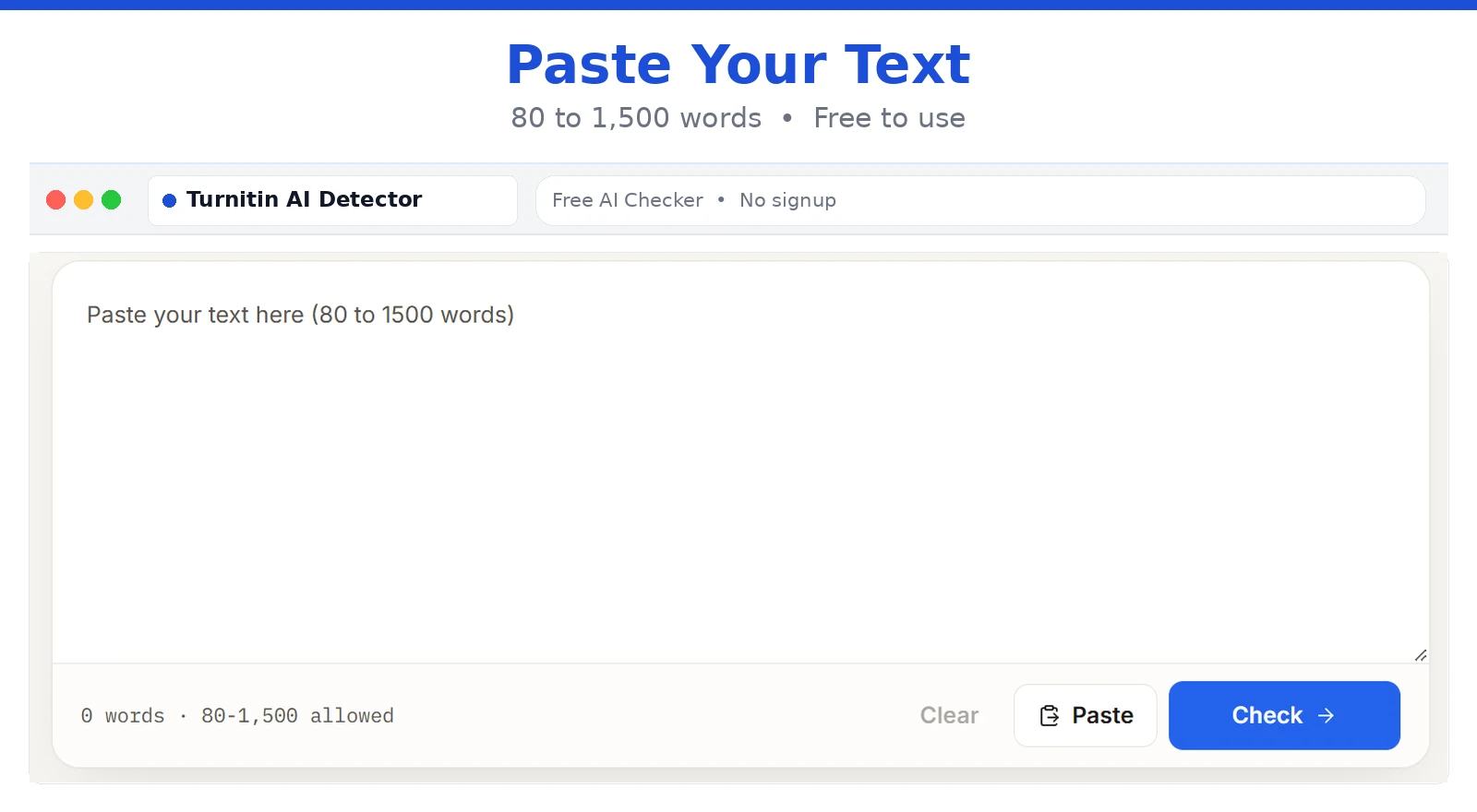
Step 1: Paste Your Draft
Copy your essay from Word or Google Docs. Paste it into the box. Any text between 80 and 1,500 words works.
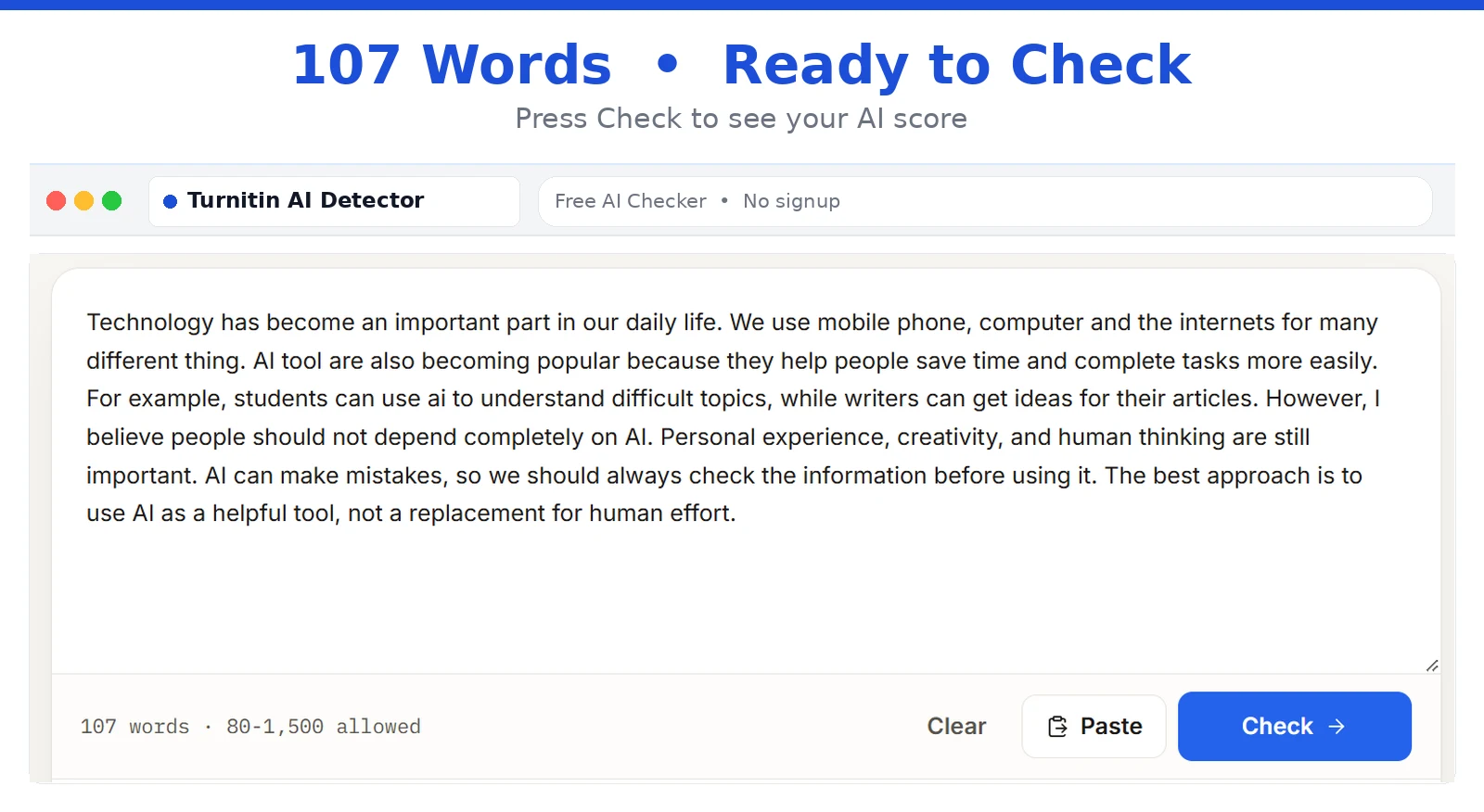
Step 2: Run the Check
Click Check. The tool looks for AI-like patterns, such as repeated phrasing and very even sentence rhythm. It only takes a few seconds.
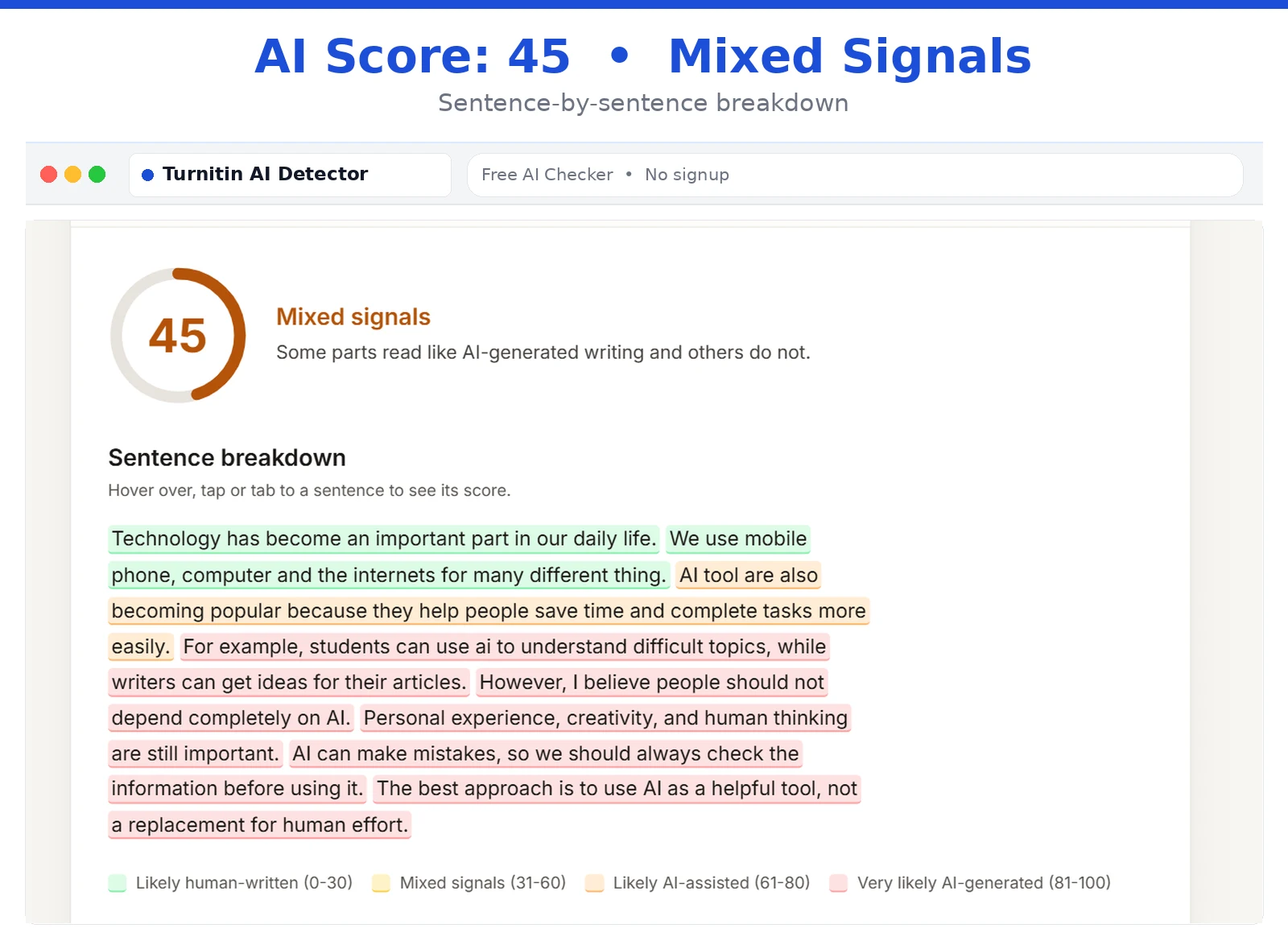
Step 3: Review the Score and Highlighted Sentences
Read your score first. Then look at the highlights. Those lines need the most attention. Read each one in context, not alone. Fix them, then run the check again.
Turnitin AI Detector for Students
This free Turnitin AI detector helps students review drafts without creating an account. Teachers and academic writers can also use it to quickly review drafts.
Essays and Assignments
Check your draft before submission. Make sure each paragraph answers the question and supports its points with clear examples.
Research Papers and Literature Reviews
Review repeated sentence patterns, explain sources in your own words, compare studies, and check citations.
Discussion Posts and Reflections
Keep your writing personal. Support opinions with reasons and use real examples.
Scholarship and Application Drafts
Replace generic phrases with true details that reflect your experiences and choices.
What AI Writing Patterns Can a Detector Flag?
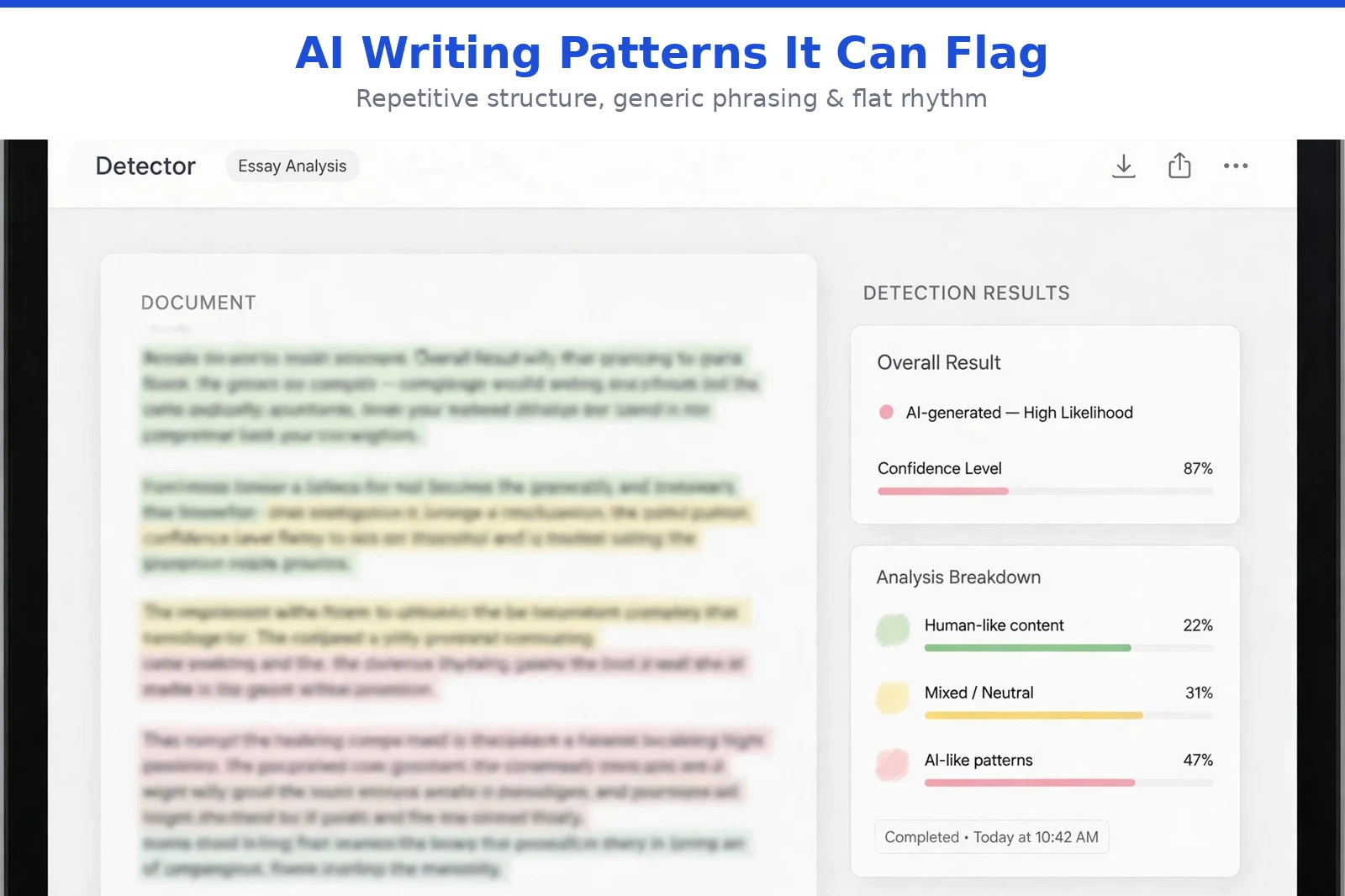
This free AI writing detector checks writing patterns, not people. These clues can also appear in human writing. They are general examples, not a confirmed list of Turnitin's signals.
Repetitive Sentence Structure
Sentences that start the same way or share the same length can sound mechanical. Vary them naturally.
Generic Phrasing
Phrases like "plays a crucial role" are common but don't prove AI use. Replace them with specific details.
Mechanical Transitions
Words like "furthermore" and "moreover" can feel repetitive. Keep them only when they connect ideas clearly.
Flat Sentence Rhythm
Mix short and long sentences naturally. Don't change them just to lower a detector score.
Vague Paragraphs
Polished writing still needs evidence. Add a clear example, source, or detail to support your point.
Remember: These are clues, not proof. A flagged sentence doesn't mean you cheated. Review it for clarity and meaning.
Can It Detect ChatGPT, Claude, and Gemini Text?
It looks for common patterns found in text from modern AI tools. That includes ChatGPT, Claude, and Gemini. But no checker can promise to catch every model. Results change with the tool, the prompt, the topic, and the text length. Human editing changes them too. Mixed writing is harder still. If you wrote a draft and used AI for grammar, the final text is part you, part tool.
If you use AI for brainstorming, outlining, or grammar, follow your school's rules. Some allow it. Some restrict it. Some ask you to disclose it. Don't use a detector to decide if your AI use is okay. Check the real policy for your assignment.
How to Read Your AI Detection Score
A score is a review signal. It isn't a grade or a verdict. Here's our scale.
| AI Score | What It Suggests | What to Do |
|---|---|---|
| 0-30% | Mostly human-like | A light read-through is enough |
| 31-60% | Mixed signals | Check the highlighted sentences |
| 61-80% | Many AI-like patterns | Revise structure, tone, and examples |
| 81-100% | Very strong AI-like signals | Rewrite using your own reasoning |
This is our scale, not Turnitin's. Your school's tool may show different numbers.
What Do Low, Mixed, and High AI Turnitin Scores Suggest?
A low score is a good sign, not a promise. It doesn't guarantee a person wrote every sentence. Mixed scores are very common. Many honest drafts land there. A high score means revise, not panic. And a high score doesn't prove someone used AI. Don't keep rewriting a strong essay just to chase a lower number.
Why Do Highlighted Sentences Matter More Than the Number?
One number can't tell you much. The highlights show you where to act. Ask four things about each one:
- Is my idea clear here?
- Did I explain it in enough detail?
- Did I support it with proof or an example?
- Does it say what I really mean?
If the answer is yes, you may not need to change it. A highlight is a prompt to review, not an order to rewrite.
Why Does Turnitin Sometimes Show an Asterisk Instead of a Score?
Turnitin shows an asterisk for low AI results, roughly between 1% and 19%. Small scores are less reliable, so it doesn't show an exact number. A star doesn't mean you're in trouble. It isn't a finding of misconduct. If you see one, check Turnitin's guide or ask your instructor how your school reads it.
How Accurate Is the Turnitin AI Detector?
Turnitin AI detector accuracy worries a lot of students. Here's the honest answer. It's useful, but it isn't perfect. No AI detector is. Turnitin itself says its results shouldn't be the only basis for action against a student. Results should be read alongside the work and other evidence.
Why Is No AI Detector 100% Accurate?
Detectors guess from patterns. They can't see how you wrote the text. So they can flag human writing and miss AI writing. Accuracy also changes with language, text length, subject, and editing tools. A "100% accurate" claim is a red flag. Skip any site that says it.
What Causes False Positives?
Honest writing can get flagged. These are the usual causes:
- Very formal or formulaic academic writing
- Writing by non-native English speakers
- Heavy edits with Grammarly or QuillBot
- Short texts with little variety
- Strict templates, like lab reports
None of this means every formal essay gets flagged. It just shows why results need care. If English is your second language, don't assume your work is wrong because of one score. Keep your outlines, drafts, and notes. Version history in Google Docs is solid proof.
Why Do Scores Differ Between Tools?
Each detector uses its own method. One may say 15%. Another may say 60%. Same text. That's normal. It doesn't mean one tool is right and the other is wrong. Don't chase one perfect number across five tools.
What to Do If Your AI Score Is High
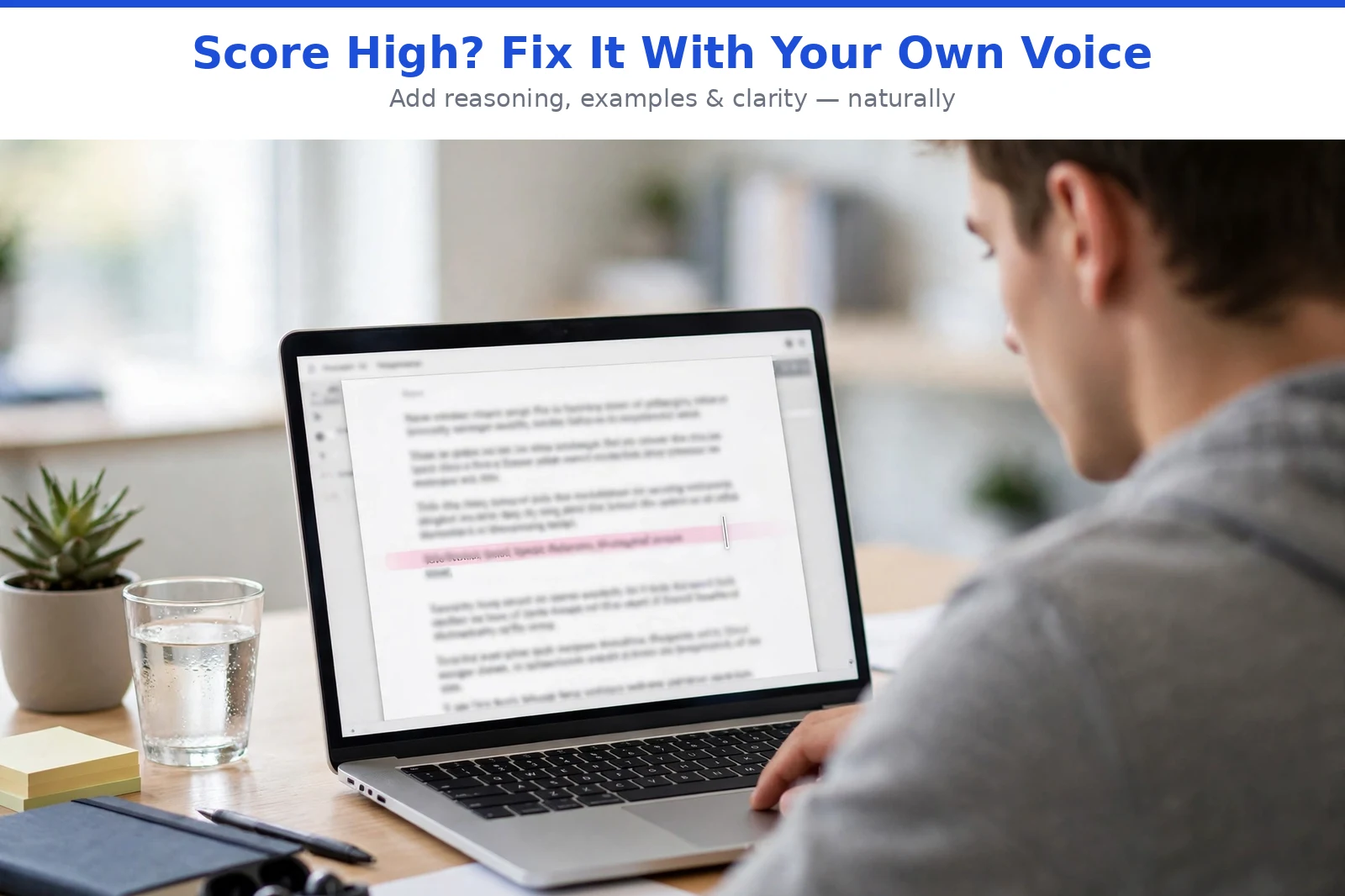
First, breathe. A high score is a prompt to revise. It's not a ruling. The goal isn't to trick anyone. It's to make your writing clearly yours.
Add Your Own Reasoning, Examples, and Voice
Say what you actually think. Add a class example or a real moment you remember. In academic work, your voice shows up in your analysis. Connect the evidence to your argument. Don't just list facts.
Improve Clarity and Flow Naturally
Read your draft out loud. Where does it sound flat? Mix short and long sentences. Keep a long sentence if it explains a hard idea well. But don't rewrite a clear sentence just because it got flagged.
Check Your Sources and Facts
AI tools sometimes invent sources. Open every reference and check it's real. Check quotes, dates, and page numbers. If you used AI during research, verify what it told you. Never add research or experiences that aren't real.
Talk to Your Instructor if You're Concerned
If you were flagged unfairly, speak up. Explain how you did the assignment. Share your drafts, notes, and sources. Ask how the result will be judged. Stay calm. Follow your school's integrity policy. A short, honest chat often solves it.
Your Text and Privacy

You're pasting your own work, so privacy matters. Read our privacy policy to see how we handle your text. Then ask these five things of any tool you use:
- Does it store your text?
- Can you delete it?
- Is it shared with anyone?
- Is it used to train the tool?
- How long is it kept?
Skip confidential research, personal details, or unpublished work unless you trust the terms.
Free Turnitin AI Detector Alternative: How Does It Compare?
Maybe you can't see Turnitin's AI report. Many students can't. An independent alternative helps here: it can show weak spots early, but it can't produce the official result.
| Feature | This tool | Turnitin | Generic free checkers |
|---|---|---|---|
| Main purpose | Early review before you submit | Official reporting inside schools | Quick, basic checks |
| Student access | Open to everyone | Through your school | Usually open |
| Cost to student | Free | Paid for by schools | Free, often with limits |
| Sentence highlights | Yes | Shown in the instructor's report | Sometimes |
| Signup needed | No | School login | Often yes |
| Gives the official Turnitin result | No | Yes | No |
Other free checkers vary a lot. Compare features, limits, and privacy policies, and don't assume they all work the same way.
Which AI Detector Is Closest to Turnitin?
Honestly, none can match it exactly. Turnitin's model is private. Tools with similar signals give a rough idea. That's what this checker does. So what's the best AI detector for Turnitin prep? Pick one that is clear about its limits, privacy, and features. If you need the official report, ask your school if you have access. Use this tool to find weak spots, then revise with your own judgment.
Quick Checklist Before You Submit
Take a few minutes to review your work before handing it in.
- Read the full draft once for clarity.
- Check every quotation, reference, date, and important claim.
- Make sure each paragraph supports your main argument.
- Add explanations or evidence where your reasoning is unclear.
- Review any AI detection results without treating them as proof.
- Confirm your institution's rules on AI-assisted work.
- Keep your drafts, notes, and research records.
These steps help you submit work that is clear, accurate, and consistent with your institution's requirements.
FAQs About Turnitin AI Detector
Will My Score Match Turnitin's Exactly?
No independent checker can guarantee an exact match with Turnitin's score. Each tool may use a different detection model and scoring method. Treat the result as a guide to reviewing your writing.
Does It Work for Research Papers and Long Drafts?
It may be suitable for research papers if the text falls within the tool's supported limits. For long documents, check individual sections if needed. This can make it easier to review specific arguments, citations, and paragraphs.
Can I Use It on Non-English Text?
No. This tool currently checks English text only. Results for other languages would not be reliable.
Can I Use AI for Brainstorming and Editing?
That depends on your school's academic integrity policy and the instructions for your assignment. Some institutions allow limited AI assistance, while others restrict it or require disclosure.
Check Your Draft Before You Submit
Use this independent Turnitin AI detector alternative to help review your draft, where its features are available. Check your ideas, verify your sources, and improve any unclear sections.
One score never tells the whole story. Your reasoning, evidence, and understanding matter too.